Spring Clean Your Home Office: A 30-Minute Checklist
A practical 30-minute seasonal reset for your home office: clear the desk, empty a drawer, archive paper,...

You can have a tidy bookshelf, a decent microphone and a shirt that actually got ironed, and still spend the whole meeting looking like a witness in a documentary. Lighting does more for how you come across on a video call than the camera built into your laptop. Most people reach for one of two things: a ring light, or whatever desk lamp is already sitting beside the keyboard. They are not interchangeable, and each one fails in its own particular way.
Your eyes adapt constantly. A camera sensor does not, especially the small one in a laptop or webcam. It has far less dynamic range, which means it cannot hold bright highlights and deep shadows at the same time. Give it a hard light source and it will pick one, then let the other go muddy.
Three things matter more than anything else. Direction: light should come from in front of you and slightly above eye level, not from behind or straight overhead. Softness: the bigger and more diffused the source, the gentler the shadows. Consistency: one colour temperature, not two fighting each other.
The benchmark to picture is a window on an overcast afternoon. Bright but soft, coming from one side, with a gentle falloff across the face. That is what "natural" looks like on a screen, and both ring lights and desk lamps are just attempts to copy it.
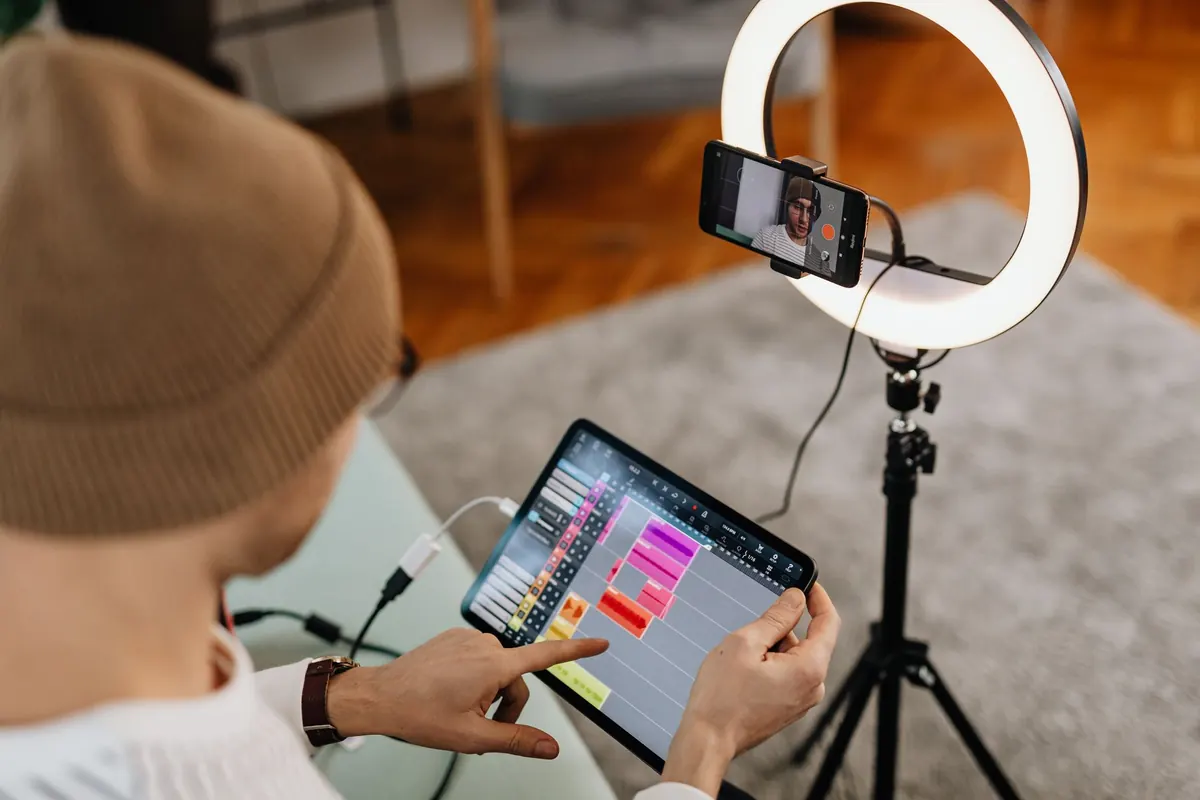
A ring light surrounds the camera lens, so light reaches your face from every angle at once. Shadows almost disappear. Under-eye shadows soften, skin looks smoother, and the result is reliably bright and consistent. If you record often, or your room faces the wrong way for decent window light, that consistency is worth a great deal. Most ring lights also let you dial brightness and colour temperature up and down, which is more control than a typical lamp gives you.
The trade-off is character. Light arriving from the same axis as the lens flattens a face. You lose the modelling that makes a person look three-dimensional, and the effect can read as slightly flat or clinical rather than flattering. You will also notice a bright ring in each eye. Some people like it, some find it a giveaway that the setup is a setup.
Size matters more than people expect. A small ring pushed close to your face is harsh and hot. A larger ring, placed roughly at arm's length, gives a much softer result. And full brightness is rarely the answer: overdoing it washes out skin, blows out the highlights on a pale wall and can confuse your webcam's auto-exposure, leaving you dim and grey against a glowing background.
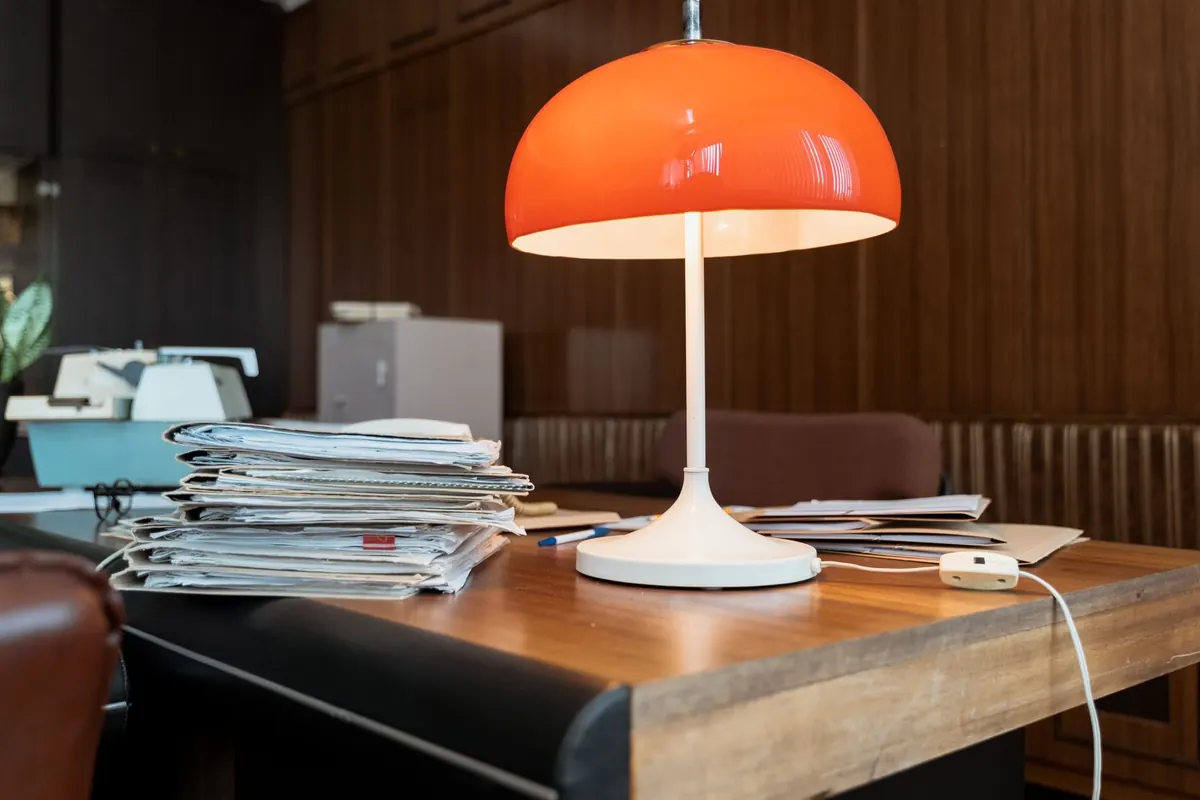
A shaded desk lamp is a directional source, which is closer to how real rooms light people. Light from one side, a soft shadow on the other, a little shape to the face. Used well, it looks more natural than a ring light and costs nothing extra if you already own one.
The problem is that desk lamps are designed to illuminate paper, not faces. An exposed bulb pointed towards you is simply glare. Position is everything: put the lamp to your front-left or front-right, roughly 30 to 45 degrees off the camera axis, slightly above eye level and tilted down towards you. A lamp with a tilting head and a shade works far better than a bare panel or a fixed downlighter.
Diffusion is your friend. Bouncing the lamp off a nearby white wall softens it beautifully. So does a sheet of white foam board or card placed between the lamp and your face, as long as it does not block ventilation or touch a hot bulb. Use this trick only with LED bulbs that stay cool, never with halogen.
If you wear glasses, this is often the deciding factor. An on-axis ring light puts a bright ring reflection right across both lenses. A bare LED panel gives you a hot rectangle instead. Neither looks good, and no amount of squinting will fix it.
The fix is to move the light off the lens axis. Raise it, angle it slightly down, and shift it to one side. Reflections follow a simple rule: light bounces off at the same angle it arrives, so if you can still see the source mirrored in your lenses, move it further round or dim it. A shaded lamp with a diffuser is usually easier to place out of the reflection zone than a large ring.
Mix a warm desk lamp with cool daylight from a window and you get a face that is orange on one side and blue on the other. Your webcam's auto white balance will pick one and make the other worse. It is the single most common reason a home setup looks off.
Choose one temperature for your face light and switch off or block anything wildly different. This is where ring lights win on convenience: most have adjustable colour temperature built in. With a desk lamp you simply swap the bulb for a neutral or daylight LED.
A ring light on a tripod means floor space, a cable across the desk and somewhere to store it afterwards. Clamp and desktop versions take up less room but still need packing away if the desk doubles as a dinner table. A desk lamp is already there, does double duty for reading and paperwork, and tidy clamp models keep the surface clear.
The sensible test is not which light is better in theory, but which one you will actually move into the right position before a call. A lamp that stays put and needs one nudge beats a ring light that lives in a cupboard.
For most home offices, a well-placed desk lamp looks better than a ring light. It is more directional, more natural, and it does not stamp a content-creator look on every meeting. Go for a ring light if you record regularly, need repeatable results, and have no reliable window light to work with.
Either way, the routine is the same:
Do that, and nobody on the call will notice the lighting. They will just notice that you look like yourself.
A practical 30-minute seasonal reset for your home office: clear the desk, empty a drawer, archive paper,...
A practical £300 plan for a home office, covering where to spend first, how to choose a second-hand chair,...
Oversized furniture, dark corners and visual clutter all shrink a small home office. Here are the common...