Spring Clean Your Home Office: A 30-Minute Checklist
A practical 30-minute seasonal reset for your home office: clear the desk, empty a drawer, archive paper,...


The square of wall behind your head does more talking than you might think. In a rented flat you can't knock through anything or repaint on a whim, and drilling holes usually means a conversation with the landlord you'd rather avoid. None of that matters much.
A convincing video background needs almost nothing permanent: a clear wall, decent light, a bit of thought about what the camera can actually see, and half an hour of moving things around. Here's how to get there without losing your deposit or your afternoon.
You don't need a tidy flat. You need a tidy rectangle. A webcam captures roughly a metre and a half of wall behind you, which is a far smaller problem than the whole room.
Stand in your usual chair, open the front camera on your phone and take a photo at eye height. That photo is your background. Look at it properly — not at yourself. The drying rack, the door someone always walks through, the pile of post on the sideboard. They're all in shot, and you've been ignoring them for months.
A plain wall works best. Solid colour survives video compression, while busy wallpaper, narrow stripes and heavily patterned curtains shimmer and crawl as the picture updates. A corner gives you depth, with two walls receding away from you. Avoid sitting with your back to a doorway if anyone else is home, and avoid a wall with a mirror on it: you'll either see the back of your own head or whatever mess the mirror is reflecting.
Face a window rather than sitting with one behind you. Backlit is the single most common video-call mistake: the camera exposes for the bright window and turns you into a silhouette.
If your desk can only go one way and the window sits behind you, close the blind and work by lamp instead. Soft, grey, overcast daylight is genuinely flattering — it's the low, direct sun of a bright afternoon that causes trouble, blowing out one side of your face. Half-closing a blind or shifting your chair a few inches usually fixes it.
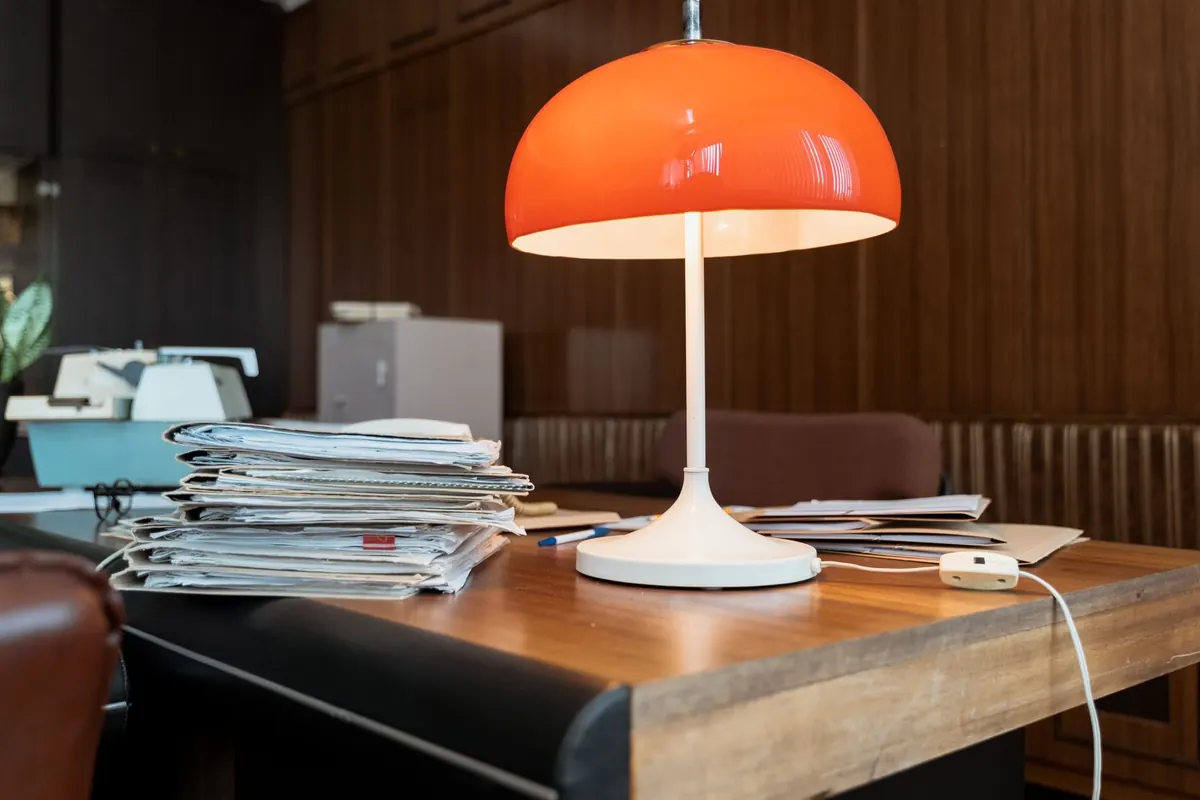
Then add one lamp. Place it at roughly 45 degrees to your face, at about eye level, on whichever side the window light is weakest. A desk lamp with a plain shade is fine. What you're avoiding is the ceiling light on its own, which drops shadows under your brows and makes everyone look tired.
Keep it consistent. Use the same combination of lights for every call, and don't mix a cool daylight window with a warm orange bulb on the same face — pick one temperature, or use two lamps of the same kind. If you want to soften a harsh lamp, aim it at a white wall or a sheet of A3 paper and let the bounce do the work.
A shelf behind you is an easy win, but only if it's been edited. On a laptop screen, small objects vanish and clutter turns into visual noise.
One extra thing worth keeping in shot: something people can ask about. A print, a bowl, a strange object from a charity shop. It gives you something to talk about in the two minutes before a meeting properly starts.
A laptop sitting flat on a desk puts the lens below your chin, so everyone gets a view of your ceiling and the underside of your jaw. Raise it. A stand is ideal, but two or three thick hardbacks work just as well, and the lens wants to sit somewhere between your eyebrows and your eyeline.
Sit about an arm's length from the camera. Much closer and your face distorts; much further and you become a small figure in a large room. Frame yourself head and shoulders with a little space above your head, and keep that position consistent so you're not re-framing yourself every Monday morning.
Background blur is a reasonable tool if the room behind you is genuinely untidy, and it's safer than a virtual background — those tend to chew at the edges of glasses, loose hair and moving hands. But blur softens a good background as well as a bad one, so fix the wall first and use blur as a fallback.
Check your tenancy agreement before you put anything into the wall. Most agreements require permission for drilled holes, and while many landlords will happily agree to a single picture hook, that isn't guaranteed. If you'd rather not ask, there are alternatives:
Whatever you use, test anything sticky on a hidden patch of paint first. Some emulsion finishes mark easily, and a scuff is easier to live with than an argument at deposit time.
Set it up once, photograph the result, and you can rebuild the whole thing in five minutes before any call. A good video background isn't a set — it's just a patch of wall that lets people concentrate on what you're saying. Keep it simple, keep it repeatable, and keep the deposit.
Photo: Sunriseforever / Pixabay
A practical 30-minute seasonal reset for your home office: clear the desk, empty a drawer, archive paper,...
A practical £300 plan for a home office, covering where to spend first, how to choose a second-hand chair,...
Oversized furniture, dark corners and visual clutter all shrink a small home office. Here are the common...